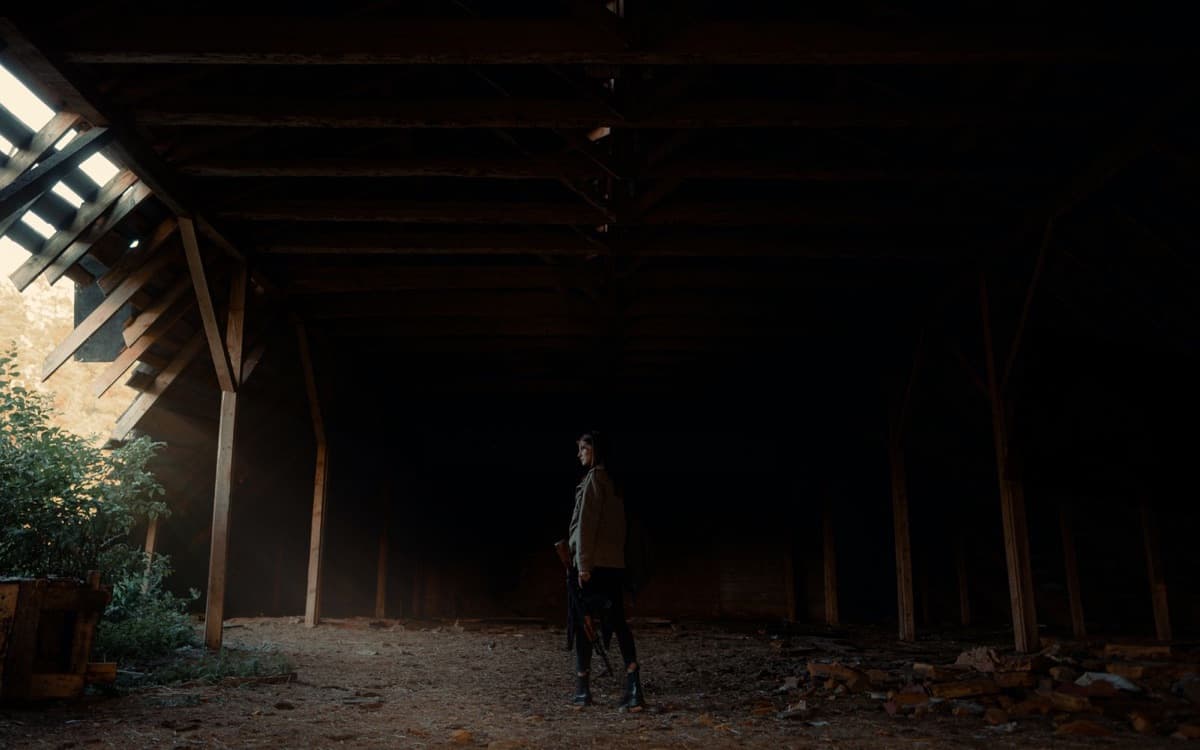
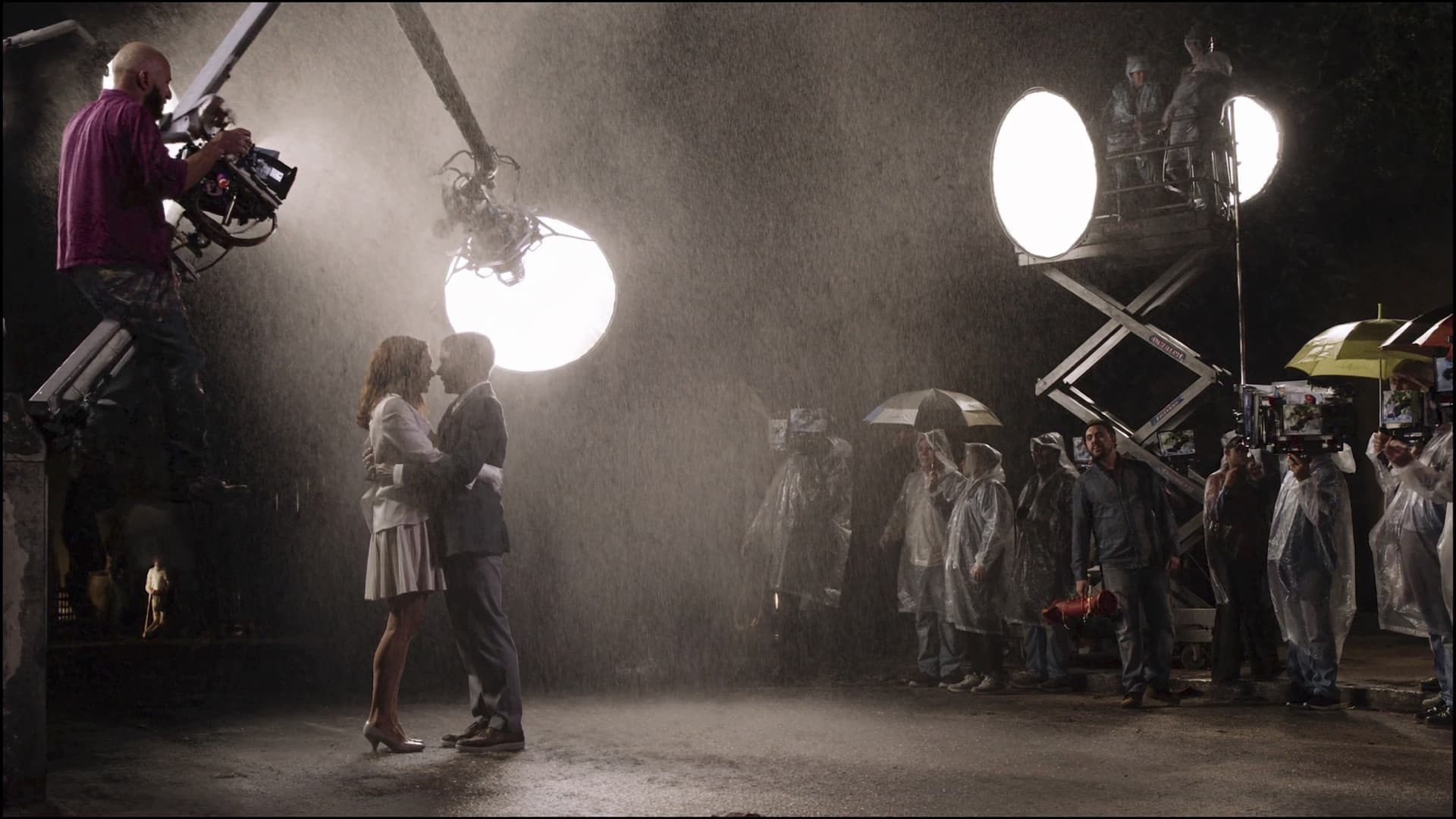
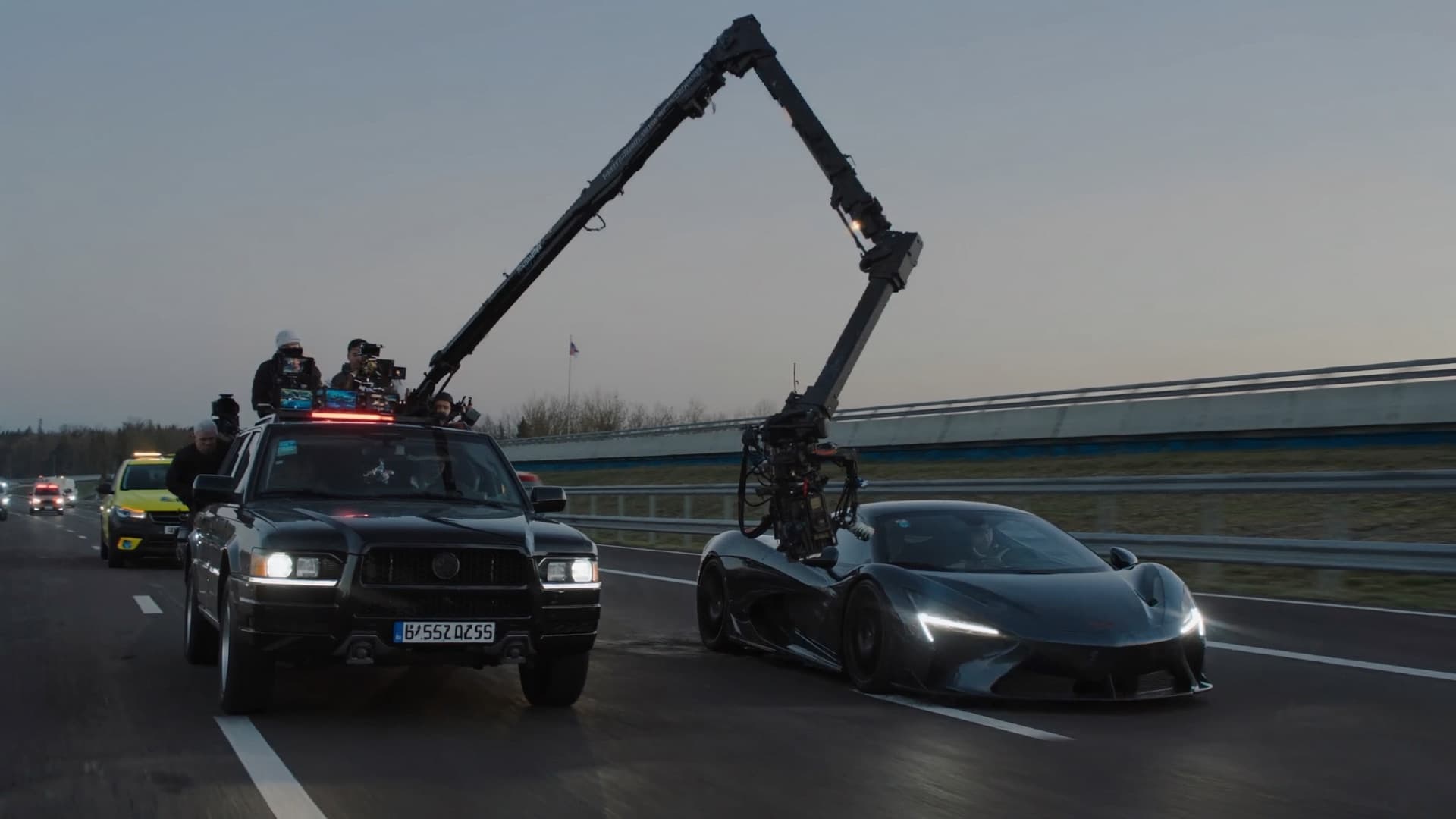
PRE PRODUCTION
PRE PRODUCTION
PRODUCTION
PRODUCTION
POST
POST

The platform builtfor filmmakers.

Script, breakdown, storyboard, stripboard, cast, crew, budget. Every phase of a production, in one workspace.Every phase of a production, in one workspace.

One place
for everything.

Pre-production, production, post. All the work of a film, together in a single workspace.

A film is a thousand moving partsand one place they live

Write it, board it, schedule it, shoot it, wrap it. Nothing gets exported to anywhere, and nothing gets re-entered on the way.

Comes in
Final Draft
Import .fdx, scenes intact
Fountain
Plain-text scripts, straight in
PDF script
Parsed and broken down
A screenplay open in Crelace, with the scene breakdown alongside it
One workspace
Goes out
Call sheets
WhatsApp and email, on the day
Google Calendar
Shoot days pushed to the crew
PDF and CSV
Script, DOOD, budget lines

Script. Boards.Schedule. Set.

Script to wrap, on one canvas. No exports between tools, no version anybody has to chase.

Crelace script editor with formatted screenplay

Write in a real screenplay editor.

Industry formatting, scene-aware autocomplete, and version history. AI ghost-text finishes your line in your own voice.

See the editor
Crelace storyboard shot editor

Every scene, boarded in your actor's face.

Generate shot lists from the script, then lock the cast's likeness across every frame. Camera move, lens and wardrobe stay yours.

See storyboards
Crelace stripboard schedule view

Stripboard and call sheets in one drag.

Auto-schedule against locations, cast and daylight. Lock the day and the call sheet ships itself to WhatsApp.

See the stripboard
Crelace call sheet

Everything the crew needs, on the day.

Shoot Mode opens today's call sheet the moment they land on set. Budget tracks against locked spend, live.

See shoot mode

From logline to lockup.

Five phases, one file. Nothing gets re-entered when a production moves from one to the next.

DEV

Development

Script, story bible, mood boards. AI drafts scenes and doctors structure; every pass is a proposal you accept or reject.

PREP

Pre-production

Cast, crew, locations, wardrobe, equipment. AI breaks the script down, so every list starts full instead of empty.

SHOOT

Production

Stripboard, call sheets, shoot mode. AI schedules against daylight, cast and locations; you drag what it gets wrong.

POST

Post-production

Cut review with timecoded feedback. Ship master files with watermarking. No AI touches the cut.

WRAP

Wrap and archive

Payroll, deliverables, cast releases, distribution decks in one archive.

One day on set

A shoot day,hour by hour.

Day 11 of a thirty-five day schedule. Nothing here is a feature tour. It is the order things happen on a real day, and what moves in the workspace at each hour.

Day 11 / 35Varanasi ghats block
  1. 05:30

    The call sheet lands on WhatsApp

    Call sheet

    Day 11 goes out as a PDF to every phone on the crew list: scenes, call times, the location pin and who to ring.

  2. 06:14

    Sunrise

    Call sheet

    Sun times and weather sit on the sheet, so the DP knows the window for the ghat exteriors before leaving the hotel.

  3. 08:30

    General call

    Crew

    Crew call times and cast HMU and wardrobe are on the same page, so the AD is not reconciling three lists.

  4. 09:10

    First shot

    Storyboard

    Scene 2, Manikarnika Ghat, dawn. The shot list came out of the storyboard, so the DP's frames and the AD's order match.

  5. 13:00

    Lunch, and a change of plan

    Stripboard

    Rain forecast for three. Scene 31 slides to Day 12 on the stripboard and the day-out-of-days follows it.

  6. 16:20

    An extra light

    Budget

    The rental for the afternoon is a line in the budget the same day, not a receipt found at wrap.

  7. 18:42

    Sunset, wrap

    Tasks

    Wrap notes become tasks, assigned to the people who own them, due before tomorrow's call.

  8. 21:00

    Dailies in review

    Review

    The first assembly of the ghat scenes gets notes on the frame, timestamped, not buried in an email thread.

  9. 22:15

    Tomorrow's sheet

    Call sheet

    Day 12 builds itself from the stripboard, with Scene 31 now on it. Print, PDF, WhatsApp.

See everyscreen.

Real screenshots from a real production, our own Varanasi feature seed.

  • Overview
  • Budget
  • Locations
  • Tasks
  • Crew
  • Investment
Overview
Overview
Production health, budget, and the day you are on.
Budget
Budget
Line items by department, budgeted against actual.
Locations
Locations
Recce photos, scene list, contacts, shoot dates.
Tasks
Tasks
Table, kanban, and calendar over one backlog.
Crew
Crew
Departments, day rates, onboarding status.
Investment
Investment
Raise against the production, track the round.

And everything else.

The four surfaces above are where most of the day goes. These are the rest of the jobs a production hands to a spreadsheet, a WhatsApp group or nobody at all.

Auto script breakdown

Auto script breakdown

Tag cast, props, wardrobe, vehicles and VFX straight off the page. Every element flows into the schedule and the budget without being typed twice.

Cross-day stripboard drag

Cross-day stripboard drag

Move a scene between shoot days and the strips, page counts and day totals recalculate. Company moves and daylight are respected.

Per-department call times

Per-department call times

Camera at 06:30, art at 05:00, cast HMU staggered. One lock and every department gets its own time, not the general call.

Identity-locked storyboards

Identity-locked storyboards

Generate a shot from the scene, then keep the same face across every frame. Change the lens or the wardrobe without losing the actor.

Budget against actuals

Budget against actuals

Line items by department with budgeted, committed and spent side by side, plus burn rate and the five largest costs.

Locations with recce photos

Locations with recce photos

Every location carries its map pin, access notes, contact, permit status and the exact scenes shot there.

Crew by department

Crew by department

Roster grouped the way a call sheet is, with day rates, onboarding status and who still has not signed.

Open roles and pitches

Open roles and pitches

Post a role, collect pitches, review them in a pipeline and hire without leaving the production.

Equipment and rentals

Equipment and rentals

Gear ledger with per-day rates, booking windows and what is already out on another unit.

Tasks in three views

Tasks in three views

One backlog seen as a table, a board or a calendar, with scenes and shoot days linked to the work they belong to.

Story context the AI reads

Story context the AI reads

Tone, audience, language, references and character voice, held in one place so every AI pass writes in your film's register.

Raise against the production

Raise against the production

Open a round on the film itself, publish the pitch, and track tickets and slots as they fill.

Every department

One production.Six ways in.

Access is per production and per role. Everyone opens the same workspace and sees the part of it that is theirs, and nobody sees the budget unless the producer says so.

Director
Dept 01Direction

Director

  • Script and revisions
  • Storyboard and shot list
  • Dailies, with notes on the frame
Cinematographer
Dept 02Camera

Cinematographer

  • Shot list from the boards
  • Gear and rentals
  • Locations, sun times, weather
Producer
Dept 03Production

Producer

  • Budget and rates
  • Schedule and day-out-of-days
  • Staffing and the investor deck
Gaffer
Dept 04Lighting

Gaffer

  • Call sheet with the day's scenes
  • Equipment list
  • Location notes and pins
Editor
Dept 05Post

Editor

  • Review links and versions
  • Timestamped notes
  • Files that stay with the project
Actor
Dept 06Cast

Actor

  • Call time and scenes for the day
  • HMU and wardrobe times
  • The location, on a map
Your roleStart a production
The reframe

A production runs on nine tools.It shouldn’t.

Script here, breakdown there, schedule in a third place, call sheets in a fourth, and a budget that finds out last. Crelace is the same work with one file underneath it.

Your production today
Your production on Crelace
The script lives in Final Draft.
Every revision is a new PDF, and the breakdown is stale the moment you export it.
The script is the production.
Lock a draft and its scenes, cast and locations already exist everywhere downstream.
Breakdown is a person with a highlighter.
Two days a pass, and it starts again from the top after every coloured revision.
Breakdown runs on import.
Cast, props, wardrobe and vehicles tagged off the page, re-run in seconds after a revision.
Storyboards get commissioned, or skipped.
Weeks of turnaround and a per-frame cost, so most scenes never get boarded at all.
Any scene, boarded in minutes.
Generated from the script with your cast's likeness held across every frame.
The schedule is a separate app.
Movie Magic cannot read your script, so the same scene list gets typed in twice.
The stripboard already read the script.
Auto-scheduled against locations, cast availability and daylight. You drag what it gets wrong.
Call sheets are last night's spreadsheet.
Rebuilt by hand each evening, emailed at midnight, out of date by the unit call.
Call sheets send themselves.
Lock the day and every department gets its own call time, on WhatsApp and email.
The budget is a file nobody opens.
Reconciled after the fact, so an overspend surfaces about a week too late to act on.
The budget is wired to the schedule.
Committed and spent move with the shoot days, by department, while you are still shooting.

AI sits in the tedious half: drafting, tagging, boarding and first scheduling passes. It proposes, you decide. It never touches the cut, a budget you signed, or a call sheet after you lock it.

VS THE STACK

one app, NOT SIX.

CrelaceNotionStudioBinderMovie Magic
AI script writer
Auto script breakdown
Identity-locked storyboards
Digital stripboard
DOOD + budget
WhatsApp call sheets
Crew + rentals marketplace
One workspace, one login
FAQ

QUESTIONS?

Feature, ad, series and OTT productions of any size. A solo filmmaker taking a short from logline to delivery uses the same app a production house runs a thirty-day schedule on; the difference is how many people are on it, not what it can do. It is built around Indian production practice first, so rupees, WhatsApp, multi-language scripts and Indian crew structures are native rather than bolted on, but nothing in it is India-only.

For writing and breakdown, yes. The editor is format-aware, handles scene headings, character cues, dual dialogue and revision marks, and exports a clean PDF. Where it goes further is that the script is not a separate file: lock a draft and its scenes, cast, locations and elements already exist in the schedule, the call sheets and the budget. You are not exporting a PDF and re-typing it into a second tool.

The stripboard, DOOD, call sheets and budget cover the scheduling and on-set work most productions use those for. What it does not do yet is union-specific payroll accounting or the deeper studio-level budget forms some completion bonds ask for. If you have a live Movie Magic schedule you want to move across, we help import it rather than asking you to rebuild it by hand.

Yes. Final Draft (.fdx), Fountain and Celtx files import with scene structure intact, and a PDF script can be brought in and parsed. On import the breakdown runs automatically, so characters, locations and elements are tagged and ready to schedule rather than starting from an empty board.

You do, entirely. Your scripts, storyboards and production data are never used to train any model, ours or a provider's. When an AI feature runs, only the scoped context that feature needs is sent, and it is not retained for training by the providers we call. You can export everything and delete a production at any time.

Production data sits in a managed Postgres database hosted on AWS in the United States (us-east-1), with uploaded files in object storage. If your production requires data to stay in a specific region, tell us before you start and we will confirm whether we can meet it, rather than you finding out later.

You give it the brief, references and character sheets that live in the project's Context. It drafts scene by scene, and every pass is a proposal you accept, edit or reject rather than something applied to your draft. Ghost-text finishes a line in the register you have already established. The doctor pass looks at act structure and pacing across the whole script instead of a single scene.

Anyone who can open the production. It is per person, not per device, so the same producer on a laptop at the office and a phone on set is one user. Crew you bring on for a single shoot count only while they have access, so a production that staffs up for four weeks and wraps is not paying for them afterwards.

No, unless you decide they should. Access is per production and per role. A producer sees everything. Crew see the overview, their own tasks, the schedule, call sheets, files and review. Budget, rates and negotiations are not visible to them, and an accepted pitch does not give someone the finance tab.

Call sheets are built to be usable on a phone at the location, and the PDF that goes out over WhatsApp and email is the fallback when there is no signal at all. Full offline editing is not there yet. If your locations are genuinely dark, the honest answer today is to send the PDF ahead of the day.

Script as PDF, call sheets as PDF, the stripboard and DOOD, budget as CSV, shoot days to Google Calendar, and investor decks pulled from live production data.

Email support for every production, and a dedicated Slack channel plus an onboarding session when you are bringing an existing schedule across. We answer inside one working day, and faster during a shoot week if you tell us you are on the floor.

MAKE YOUR NEXT
FILM ON CRELACE.

Crelace is in private beta. Request access and we will get you set up on your next production.

Request beta access →Talk to us